Finlay Sheikh
Published on: 10.11.2026
Published at: 19.11.2026
Reading time: 2 minutes
How do I set up my Personal Tax Account?
Registering for a personal tax account with the UK Government is free and can be done in just 10 minutes.
You’ll need:
Finlay Sheikh
Published on: 10.11.2026
Published at: 19.11.2026
Reading time: 2 minutes
- Your National Insurance number .
- Your Passport.
- Or a recent P60 .
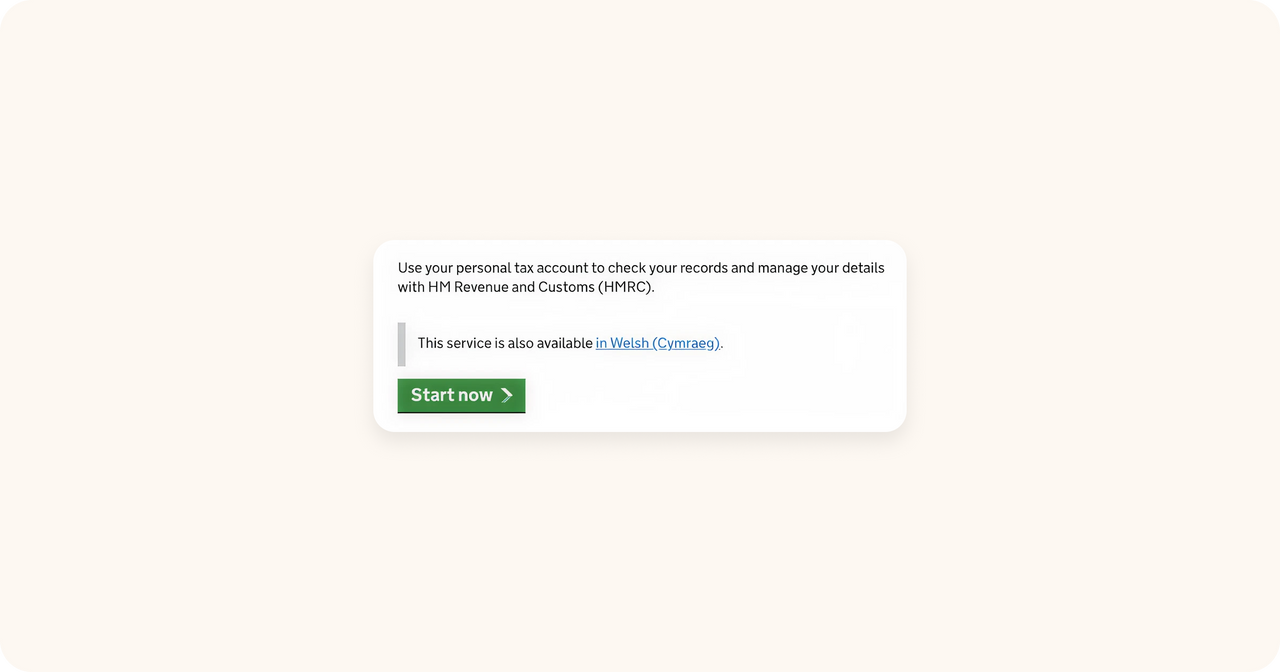
Step 1. Go the HMRC website
Visit gov.uk/personal-tax-account . Once there, click “Start now”.
Step 2. Create a Personal Tax Account
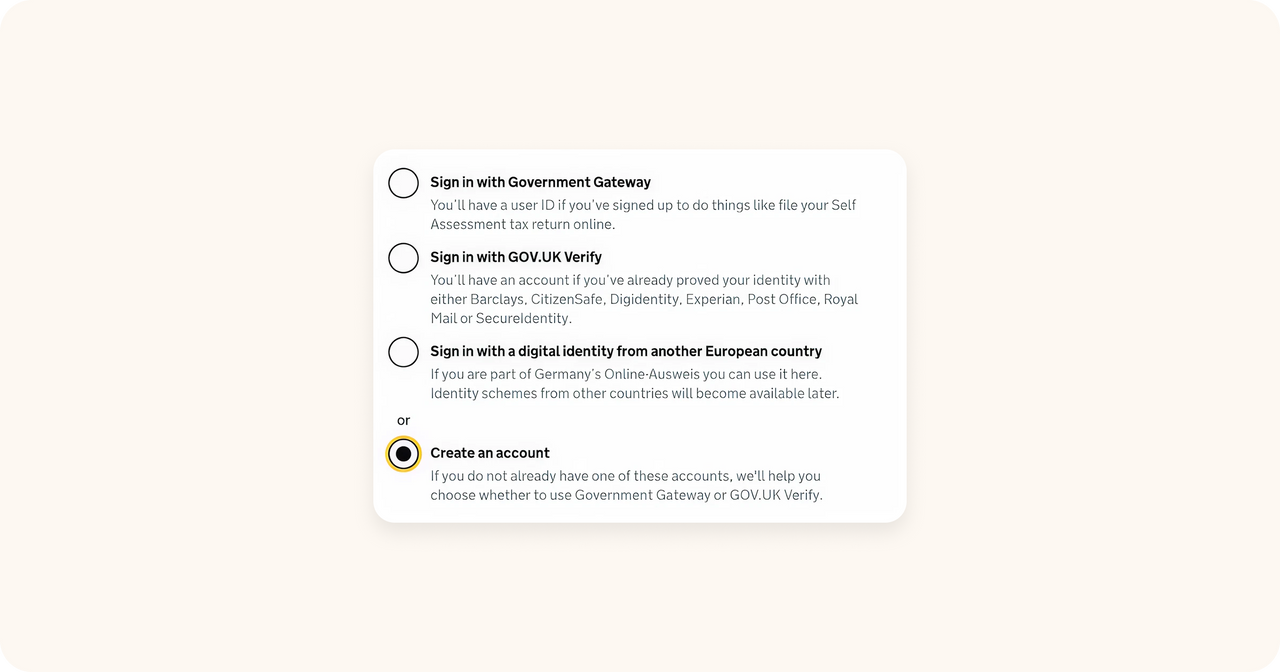
Select how you want to sign in to your Personal Tax Account.
Since we’re now setting it up for the first time, let’s select “Create an account”.
Step 3. Register using Government Gateway
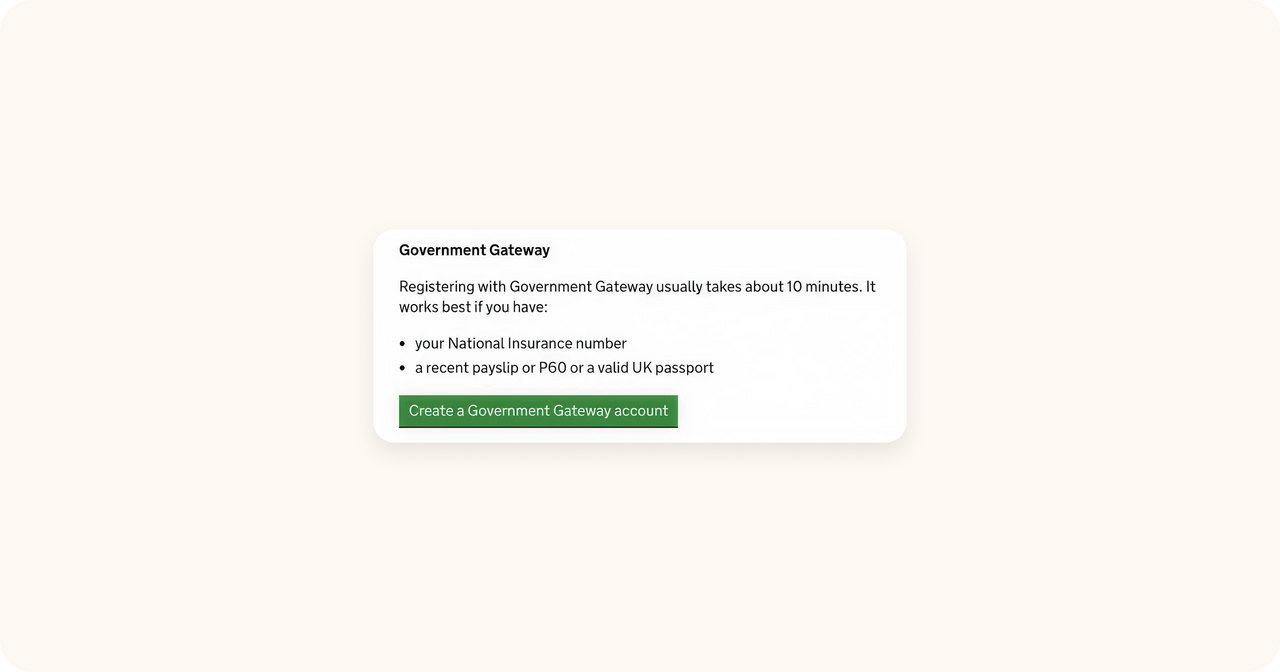
Next, you’ll have to choose how to register.
Most people will find “Government Gateway” more accessible, so let’s select that.
Step 4. Set up a Government Gateway User ID
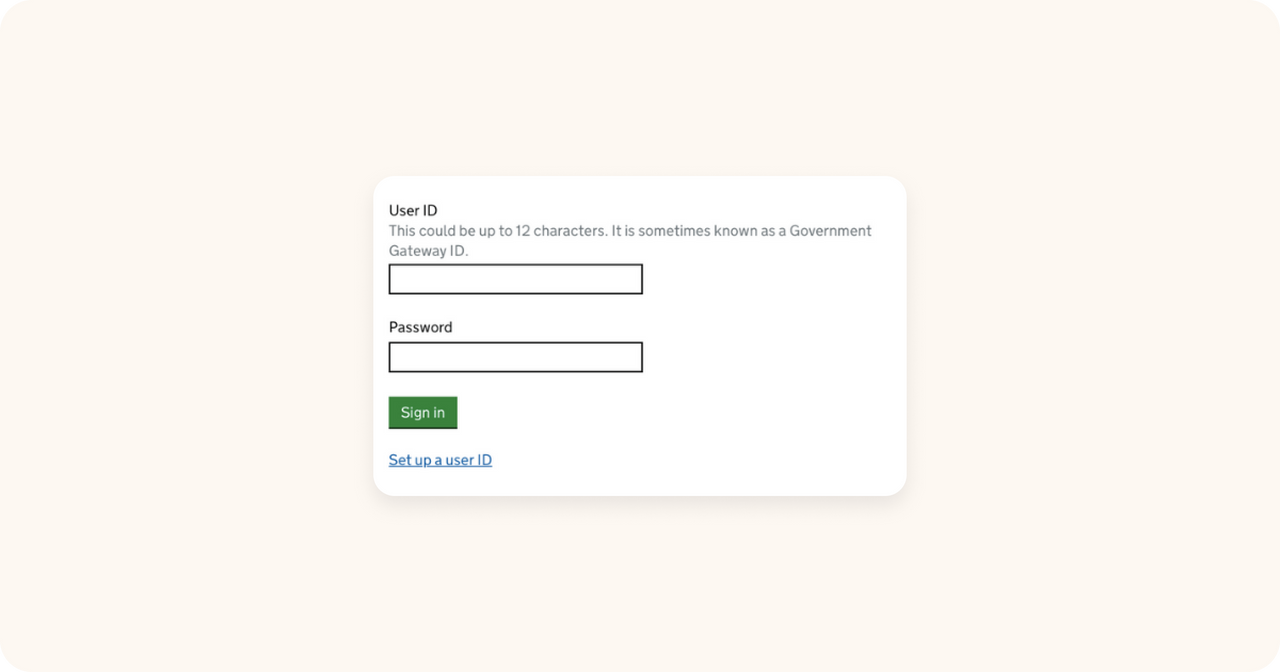
Next, you’ll need to sign in with your Government Gateway account – if you have one.
Since this is the first time, let’s select “Set up a User ID”, right under the “Sign in” form.
Step 5. Answer other questions
You might see one of these questions:
- if you’re an agent registering on behalf of a client.
- if you’re trying to file a Self Assessment tax return.
Since this is the first time, select “No” if you see one of these questions.
Step 6. Provide your email
This is important: write your email address next and be ready to access it: you’ll receive a code that you’ll need soon.
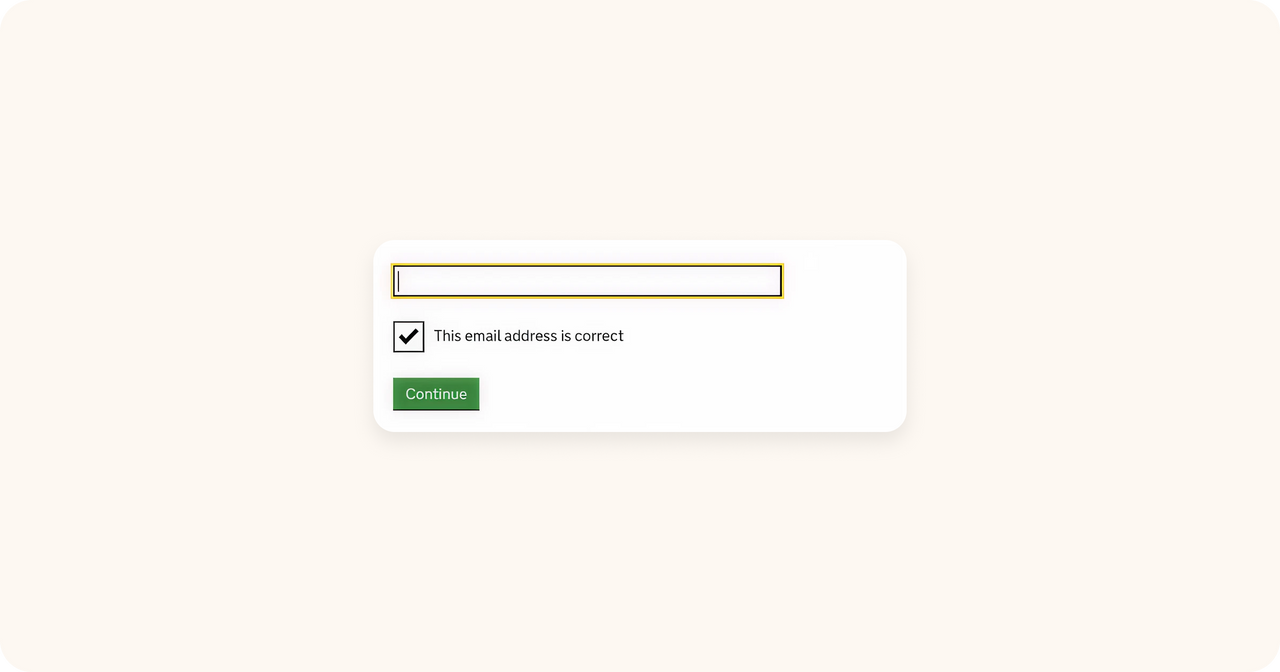
Step 7. Confirm your email
Open your email and get the code HMRC just sent you.
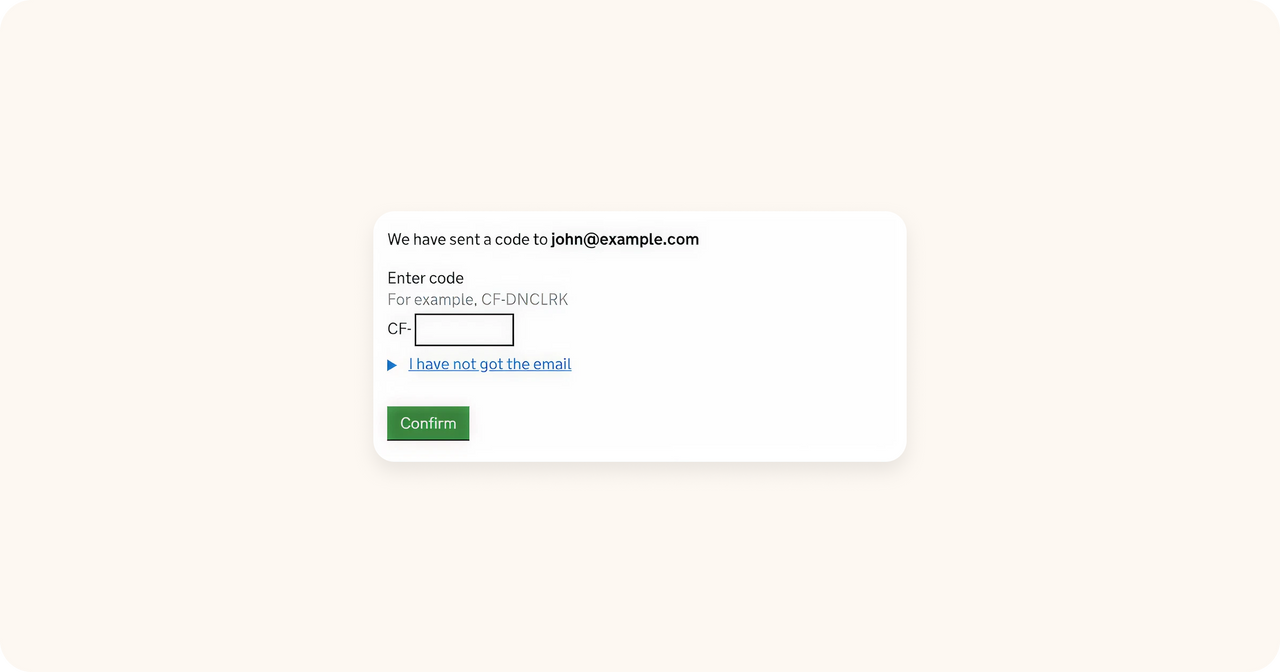
Step 8. Provide your name
After you’ve confirmed your email, you’ll be asked to submit your name…
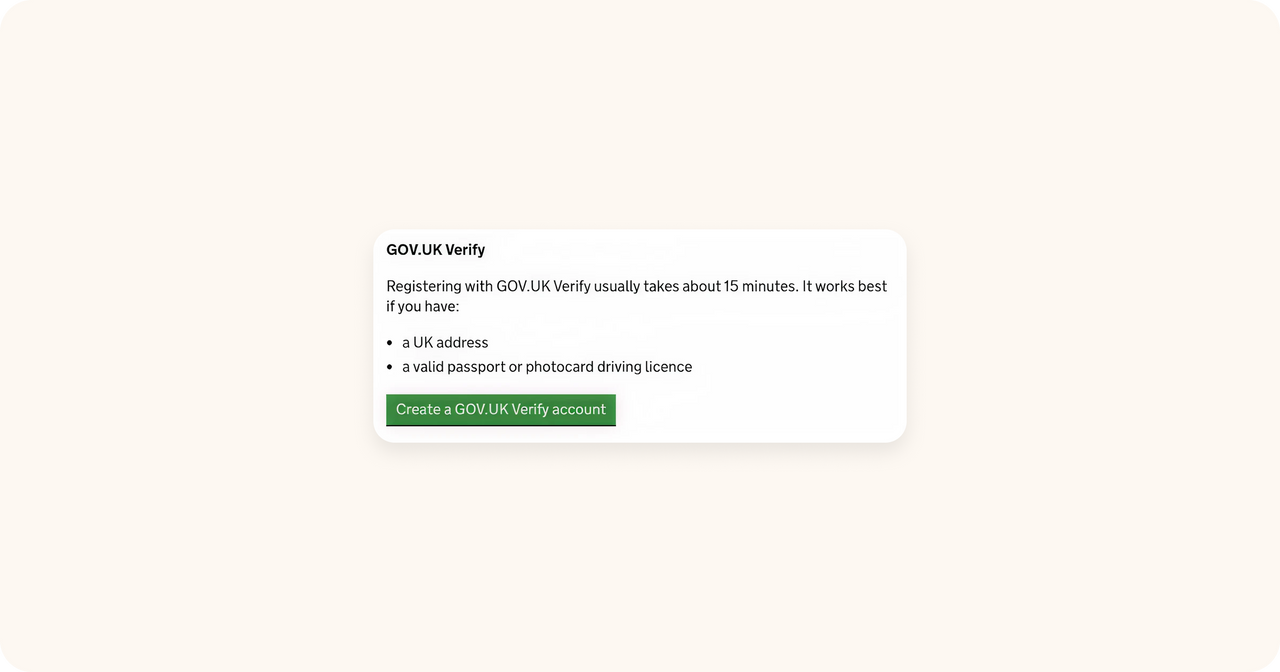
…and a password.
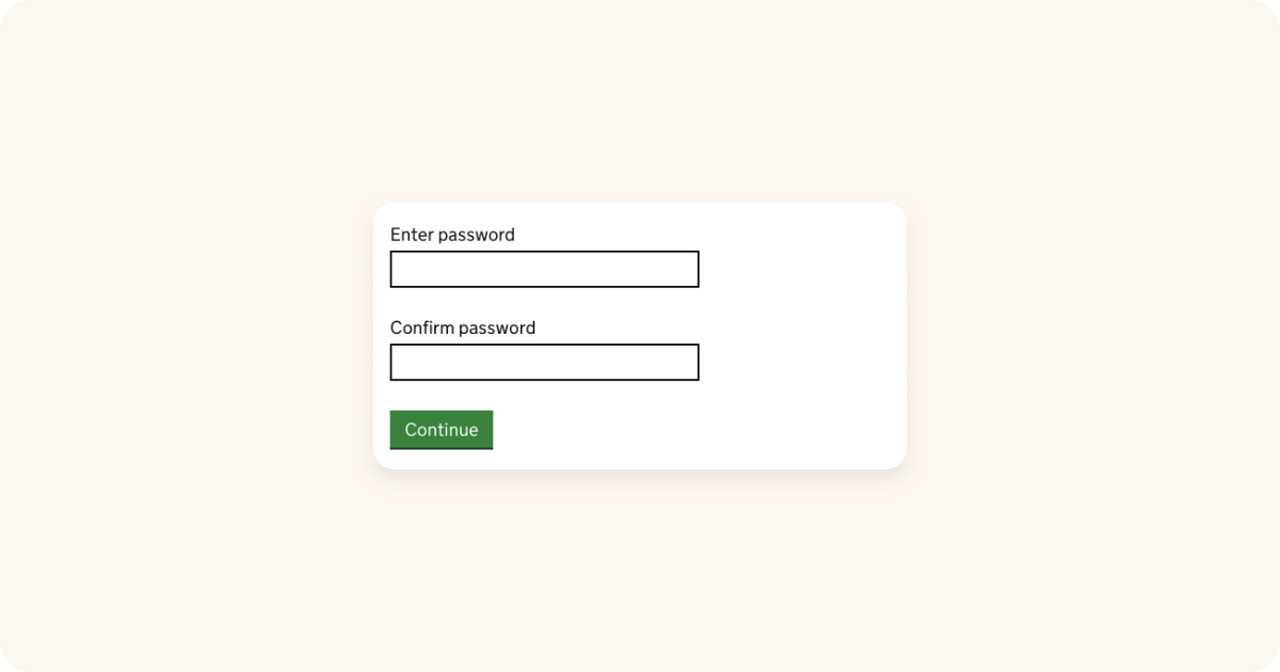
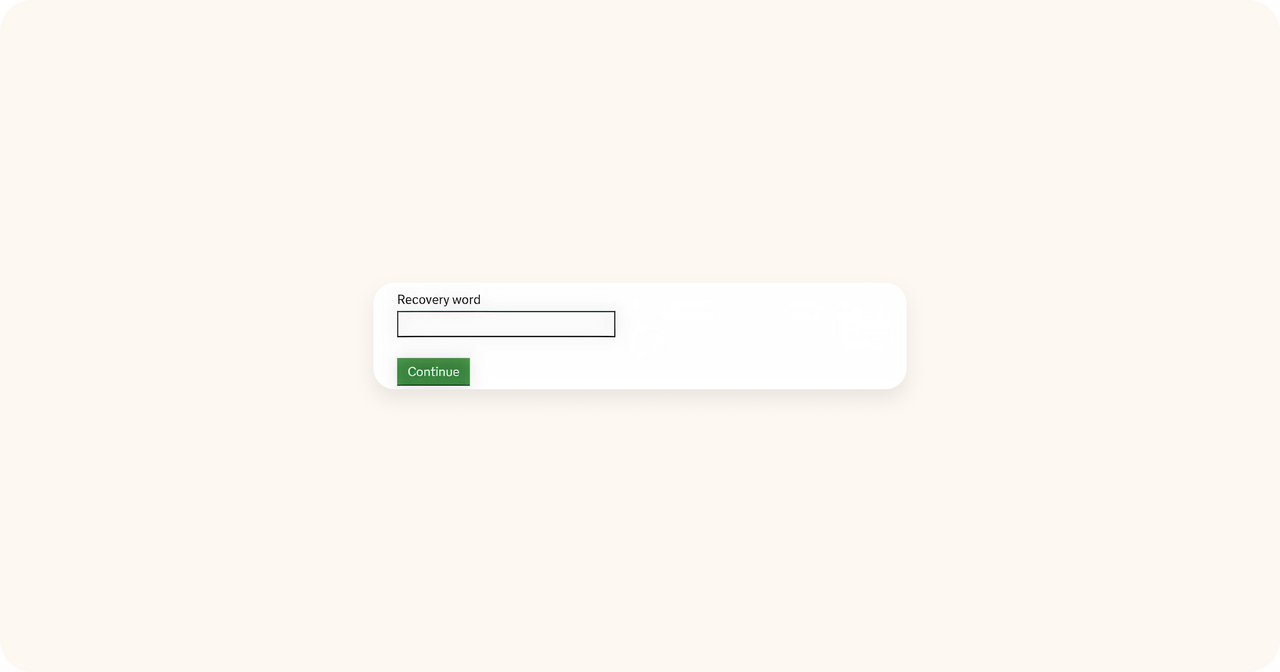
Step 9. Provide a recovery phrase
Now you’ll need to provide a recovery word – just in case you ever forget your password.
It can be anything – we recommend something easy to remember, like a favourite movie or book.
You’re almost done – you’ve now received your User ID!
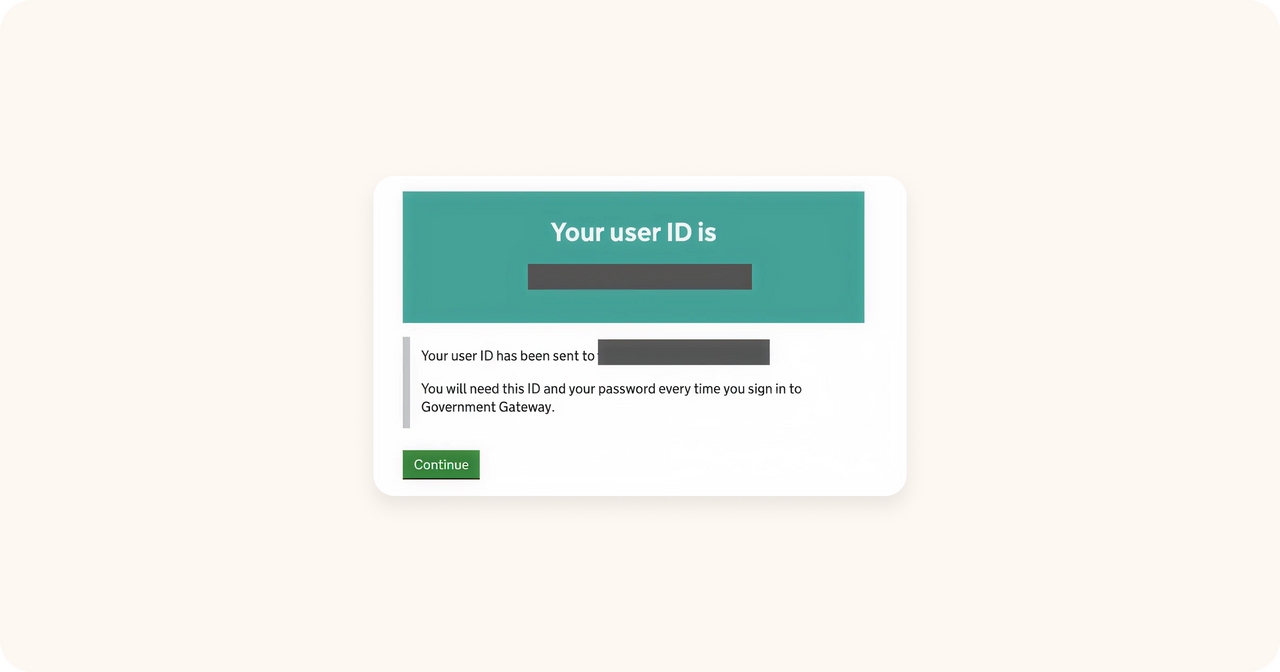
This is important: write down your Personal Tax Account User ID and password!
There are just a few more steps related to account security.
Step 10. Get your access code
First, the website will ask you how you want to receive your access code.
The easiest one is via text message – let’s select it.
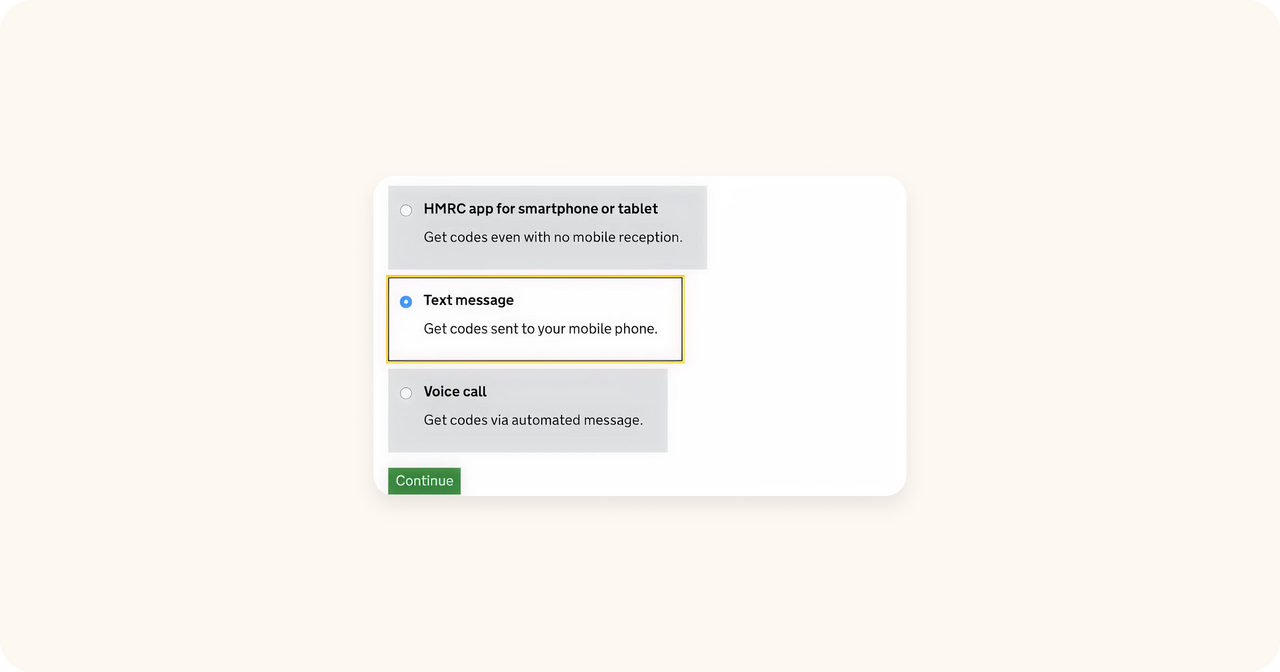
You’ll receive a text message on your phone – enter this code on the next screen.
Step 11. Verify your identity
Almost there!
Now HMRC will ask you a few details so they can match you with existing records.
First, your name and National Insurance Number (NiNo):
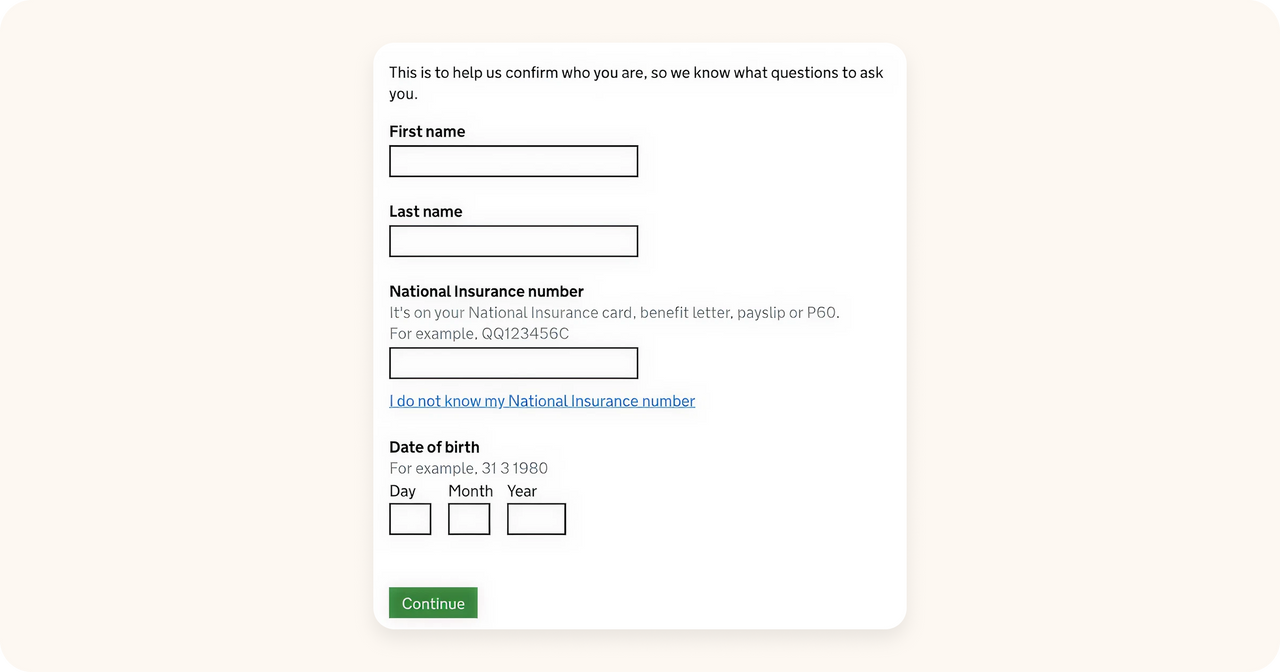
Second, select how you want to verify your identity:
- passport
- employment slip
- P60
If you do not have a UK Passport, you’ll need to provide more details – it’s very similar to a credit check.
Give HMRC any info you have on loans, bank accounts, mobile contracts, addresses you’ve lived at, etc.
Step 12. Decide if you want to go paperless
The final step!
HMRC will ask you if you want to go paperless or not and then you’re done!
You’re now signed up with HMRC and have your own Personal Tax Account.